LOLER, PUWER, PAT and MEWP inspection softwarefor the people who inspect equipment, and the people who own it.
Thorough examinations on a phone, Schedule 1 reports generated for you, and every due date tracked across every site, depot and vessel. LOLER and PUWER inspections, MEWP examinations and your full equipment register, all in one plan. PAT testing is covered too. One flat monthly rate, unlimited users and inspections.

Your inspection process works. But it is costing you more than you think.
Most inspection companies have built their own system over the years. Bits of paper, a spreadsheet, maybe some Word templates. It gets the job done. But the admin adds up fast, and one missed date puts everything at risk.
Every evening your inspector is at a laptop
Notes on site. Typed up at a desk. That is 45 to 60 minutes per inspector, per day. Time that could go on more inspections, more clients, more revenue.
One missed date is all it takes
Under LOLER, there is no grace period. Lifting accessories need checking every 6 months. Miss a date by one day and your client is non-compliant. No warnings. No extensions.
When the HSE calls, the clock starts ticking
They want records now, not in 30 minutes. Searching through folders and spreadsheets to find the right examination report is slow, stressful, and never a good look.
Signal drops. The job stops.
Your inspector is in a basement or a plant room. The signal drops. Generic software times out. The certificate does not go out. The client waits. LolerFlow works fully offline and syncs the moment signal returns.
HSE can serve an improvement notice the day a thorough examination is overdue
One app. Every inspection your team does, and the register behind it.
LolerFlow is inspection and equipment register software made in the UK by TulipTech Ltd. Inspectors use it on a phone for LOLER thorough examinations, PUWER inspections and MEWP examinations, and it keeps a register of every asset with its next due date. Reports include everything LOLER Schedule 1 requires. Your clients get their certificates the same day. Your due dates never slip. No paper. No evening typing.
LOLER, PUWER and MEWP, all in the standard plan
No second system for PUWER, no extra charge for MEWPs. Same app, same register, same flat monthly rate.
LOLER thorough examinations
Cranes, hoists, forklifts, lifts and lifting accessories, with Schedule 1 reports on their 6 and 12 month cycles.
Included →PUWER inspections
Workshop machinery, power presses, plant and vehicle lifts, at the intervals your risk assessment sets.
Included →MEWP examinations
Cherry pickers, scissor lifts and boom lifts on their 6 month cycle, with a template to BS EN 280.
Included →Equipment register
Every asset for every client and site, with its safe working load, status, last inspection and next due date.
Included →Also covers PAT testing, so your whole team works in one system.
What changes when your team switches to LolerFlow
Reports finished on site
The report is done when the inspection is done. No evenings typing up notes.
Nothing slips past its due date
Every LOLER, PUWER and MEWP due date in one place, with overdue items in red.
Customers stop chasing you
Reports and certificates go out the moment they are approved.
Ready for any audit
One download gives an HSE inspector or a customer every report, defect and certificate.
Thorough examination to compliant report in under 5 minutes
Four steps. That is all. Your inspector does the work on site. LolerFlow handles everything else. No typing up later. No certificates to produce. No records to file.
Find the asset
Search by serial number, site or client. The full history loads instantly, even with no signal.
Fill in the guided form
One screen captures everything. Safe working load, defect category, photos, and examiner details. Every Schedule 1 field must be filled before they can submit.
Submit and the report is ready
A Schedule 1 compliant PDF generates the moment they tap submit. The client portal updates in real time. No manual steps.
Record locked and stored
Every examination is time-stamped and linked to the competent person. It sits in the audit trail, ready for the HSE whenever they ask.
The app your inspectors will use on Monday
Real screens from LolerFlow, with demo data. Pick a tab to see each part.
See every site at a glance: what is overdue, what is due this month, and your compliance rate.
Every tool an inspection company needs to stay compliant
Built for UK equipment compliance under LOLER 1998 and PUWER 1998, and aligned with HSE guidance. Every feature exists to reduce compliance risk and eliminate manual admin for inspection companies and equipment owners. Nothing you do not need. Everything you do.
Mobile first, fully offline
Complete thorough examinations on any phone or tablet. Works with no signal in warehouses, plant rooms, and construction sites. Data syncs the moment connectivity returns.
Learn more about mobile first, fully offline →Rapid inspection mode
Chains, shackles, lifting accessories. Pick the item, record the result, attach a photo, generate the certificate. Up to 200 items inspected in a single day.
Learn more about rapid inspection mode →Schedule 1 compliant reports
Every examination generates a Schedule 1 compliant PDF and Excel report instantly. All mandatory fields captured. Branded with your company details.
Learn more about schedule 1 compliant reports →QR code asset labelsComing soon
Coming soon. Print weatherproof labels for every asset in your register and scan to open its full inspection history. Until then, every record is a search away in the app and the client portal.
Learn more about qr code asset labels →Automated examination reminders
LolerFlow tracks 6-month and 12-month intervals per asset type. Email alerts go out at 30 days and 7 days before the due date. Overdue assets are flagged immediately.
Learn more about automated examination reminders →Full inspection history and audit trail
Every thorough examination is stored permanently against the asset record. Search by asset, client, date, or defect category. Retrieve any record in under 10 seconds.
Learn more about full inspection history and audit trail →All lifting equipment types
Overhead cranes, forklifts, MEWPs, passenger lifts, hoists, wire rope slings, textile slings, shackles, eyebolts, and spreader beams. Templates for every equipment type covered under LOLER and PUWER, including MEWPs.
Learn more about all lifting equipment types →Client portal
Duty holders and their teams get read-only access to their own records. They download examination reports and certificates without calling your office.
Learn more about client portal →Unlimited users and inspections
One flat monthly fee covers your entire team. No per-user charges, no inspection limits, no asset caps. The price does not rise as your business grows.
Learn more about unlimited users and inspections →Works with the software you already use
LolerFlow connects to the systems that run the rest of your business, so jobs, results and due dates move between them without anyone typing them twice. Simpro is our first live integration, with more on the way.
- ✓Simpro: connect from Settings and find any job by its Simpro job number
- ✓New integrations are added as customers ask for them
- ✓Enterprise customers can have a custom integration built for their own software
Jobs and job numbers shared between Simpro and LolerFlow.
Tell us what you use and we will scope it.
Whether you carry out the inspections or carry the responsibility
LolerFlow is used by inspection firms and by the companies that own equipment. Find the page written for you.

Lifting inspection companies
Run examinations for your customers, get reports out the same day, and keep Simpro for your jobs.
Learn more →
Plant and tool hire
Every machine on hire with a valid certificate, and the next due date before it goes back out.
Learn more →
Marine and offshore
Lifting equipment registers for vessels, rigs and floating installations, across the whole fleet.
Learn more →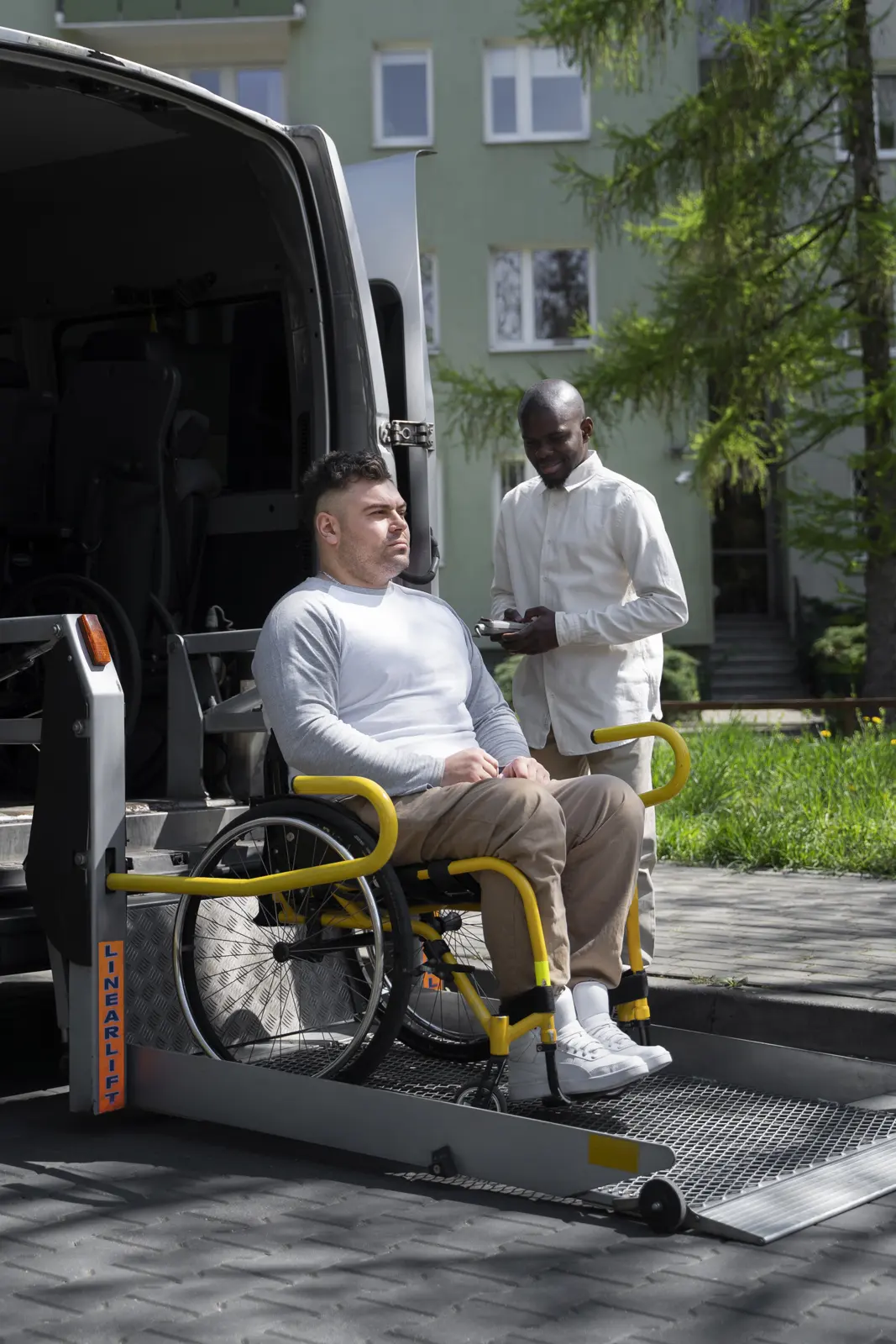
Vehicle fleets and tail lifts
Tail lifts, wheelchair lifts, vehicle cranes and workshop lifts tracked under LOLER and PUWER across every depot.
Learn more →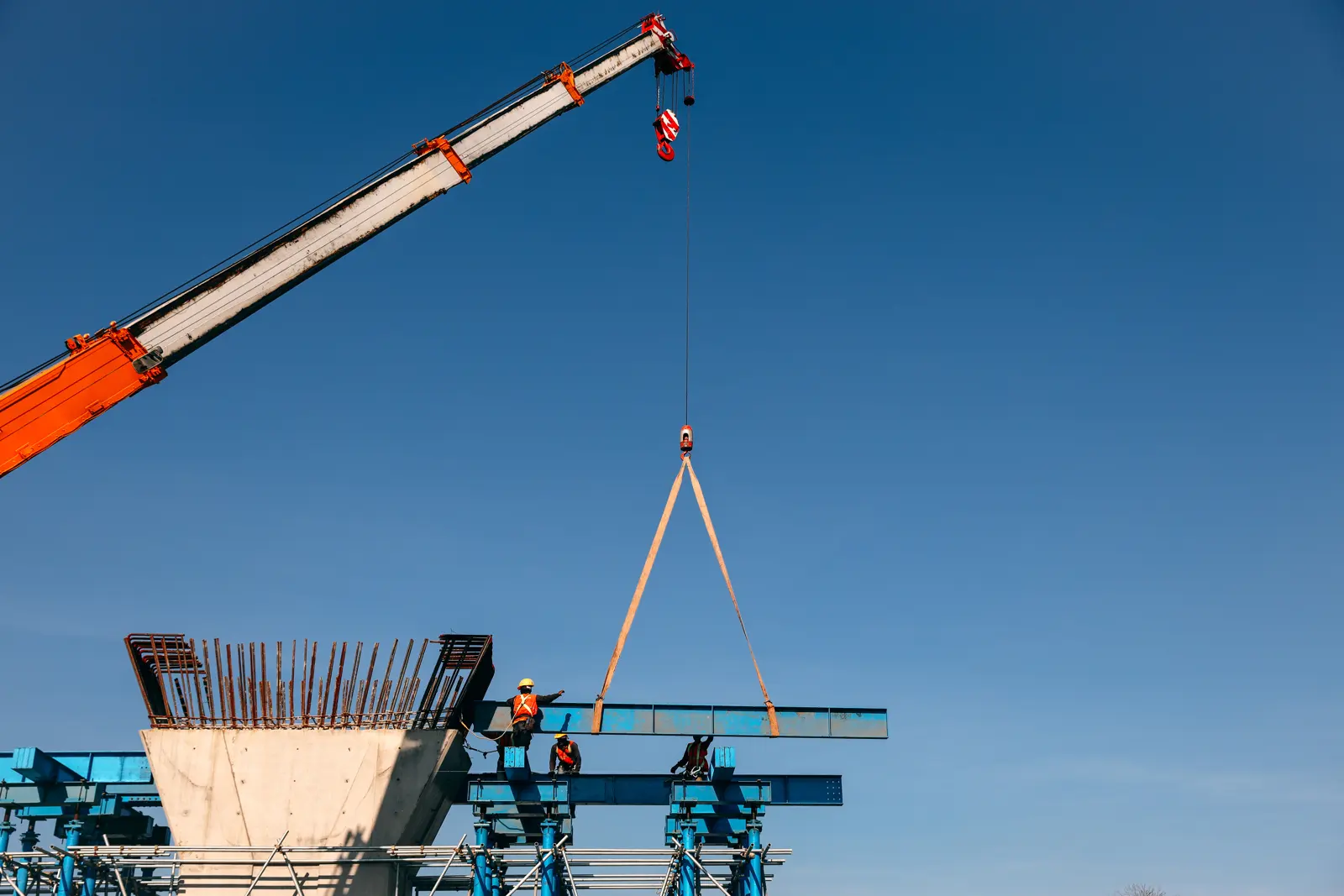
Construction and utilities
LOLER and PUWER records that keep up with equipment moving between sites and contractors.
Learn more →
Healthcare hoists
Patient hoists and slings examined every 6 months, with records ready for a CQC inspection.
Learn more →Built with inspection companies, not just for them
As a civil engineering contractor, we inspect our own lifting gear, plant and power tools in-house. Before LolerFlow, our records were spread across different places. Now our whole equipment register sits in one system, with LOLER, PUWER and PAT inspections side by side. When we asked for PUWER and PAT, the LolerFlow team built them for us, along with every other change we needed. Having every certificate and document for each piece of kit in one place was the big thing for me.
Your spreadsheet was never built for this
A spreadsheet can be made to work, until the second inspection type arrives. LolerFlow already knows the LOLER Schedule 1 fields, the PUWER requirements, the MEWP checks and the intervals for each. One register, every inspection, and you just start using it.
You build a template for each inspection type yourself and hope nothing is missing
LOLER Schedule 1, PUWER and MEWP reports in the correct format from day one, mandatory fields enforced
Track 6 month, 12 month and PUWER intervals by hand in spreadsheets or calendar reminders
The right interval set per item, due dates calculated per asset, reminders sent before expiry
Simple pass/fail with no way to grade a defect or track what happened next
Full defect grading with follow-up actions triggered per category
Needs internet and stops working in basements, plant rooms and on vessels
Full offline mode on iOS and Android; syncs automatically when signal returns
Email PDFs manually after every inspection
Clients log in to their own portal and download certificates themselves
Per-user pricing that climbs with every inspector, and still not LOLER-ready
One flat monthly rate, unlimited users, every inspection type included
Pre-built templates for every type of lifting equipment
Ready-to-use inspection templates for lifting equipment under LOLER 1998 and work equipment under PUWER 1998, with the correct fields and intervals already set up. Most lifting equipment comes under both: LOLER for the lifting parts, PUWER for everything else. No configuration needed.
Cranes
Examined every 12 months under LOLER, plus PUWER maintenance and inspection
Hoists & Winches
Examined every 12 months under LOLER, plus PUWER maintenance and inspection
Lifts & Platforms
Every 6 months if carrying people, 12 months otherwise, plus PUWER maintenance and inspection
Lifting Accessories
Examined every 6 months under LOLER
Forklifts & Telehandlers
Examined every 12 months under LOLER, plus PUWER maintenance and inspection
Specialist Equipment
Examination interval depends on equipment type and use. Dock levellers are PUWER only.
Not sure if your equipment is covered?
Ask us, hello@lolerflow.co.ukFrequently asked questions
Yes, completely. LolerFlow is designed around the specific requirements of LOLER 1998. Inspection templates cover all mandatory fields from Schedule 1. Reports include the defect category (A, B or C, following the LEEA convention used across the industry), the examiner's declaration, and equipment identifiers. The record retention system meets Regulation 11. We're built for this, not adapted from a generic tool.
LolerFlow automatically applies the correct interval for each asset, 6 months for lifting accessories (chains, slings, shackles) and equipment used to lift persons; 12 months for other lifting equipment. You can also configure a custom examination scheme if you have one in place. The system alerts you before expiry, nothing slips through.
Yes. LOLER itself does not define categories A, B and C. It asks the examiner to record any defect that is, or could become, a danger to persons, and the date by which it must be put right. Categories A, B and C are the LEEA convention most UK inspectors use to express that. LolerFlow records the category on every inspection: Category A (existing danger) marks the asset out of service straight away, Category B (future danger) sets a repair deadline, and Category C (observation) is kept for trend monitoring. The report matches what an HSE inspector expects to see.
Yes. Every completed examination generates a Schedule 1-compliant written report covering all required fields: equipment description and identification, date of examination, safe working load, examiner details, defect category, and required actions. Reports are exported as PDF and stored permanently against the asset, with the examiner and date recorded.
Yes. Every submitted report is stored permanently against the asset, with the examiner and the date recorded, which is exactly what an HSE inspector looks for. You can produce a complete examination history for any asset on request, in seconds.
Still have a question? Email us at hello@lolerflow.co.uk and we respond within one business day.
LOLER compliance guides
What Is LOLER? The LOLER 1998 Regulations Explained
A plain English guide to LOLER 1998, what it covers, who it applies to, and what the law requires of dutyholders.
Read article · 7 min read →Thorough ExaminationLOLER Defect Categories A, B and C Explained
Category A means out of service immediately. Category B means fix within a deadline. Here's what each classification requires.
Read article · 5 min read →ComplianceLOLER Non-Compliance Penalties: Fines & Prosecution
What happens if you fail a LOLER inspection or ignore examination requirements? The real penalties explained.
Read article · 6 min read →ComplianceLOLER vs Excel: Why Spreadsheets Are a Compliance Risk
Most inspection companies still track equipment in spreadsheets. Here's why that's a liability, and what HSE expects instead.
Read article · 6 min read →Try LolerFlow free for 30 days
No contract. No credit card. Just 30 days to see if LolerFlow fits the way you work. Most teams are running their first inspection on the same day they sign up.